Getting Started in Catch a Human
Your first clean bait → net → water loop on Roblox.
What you are learning today
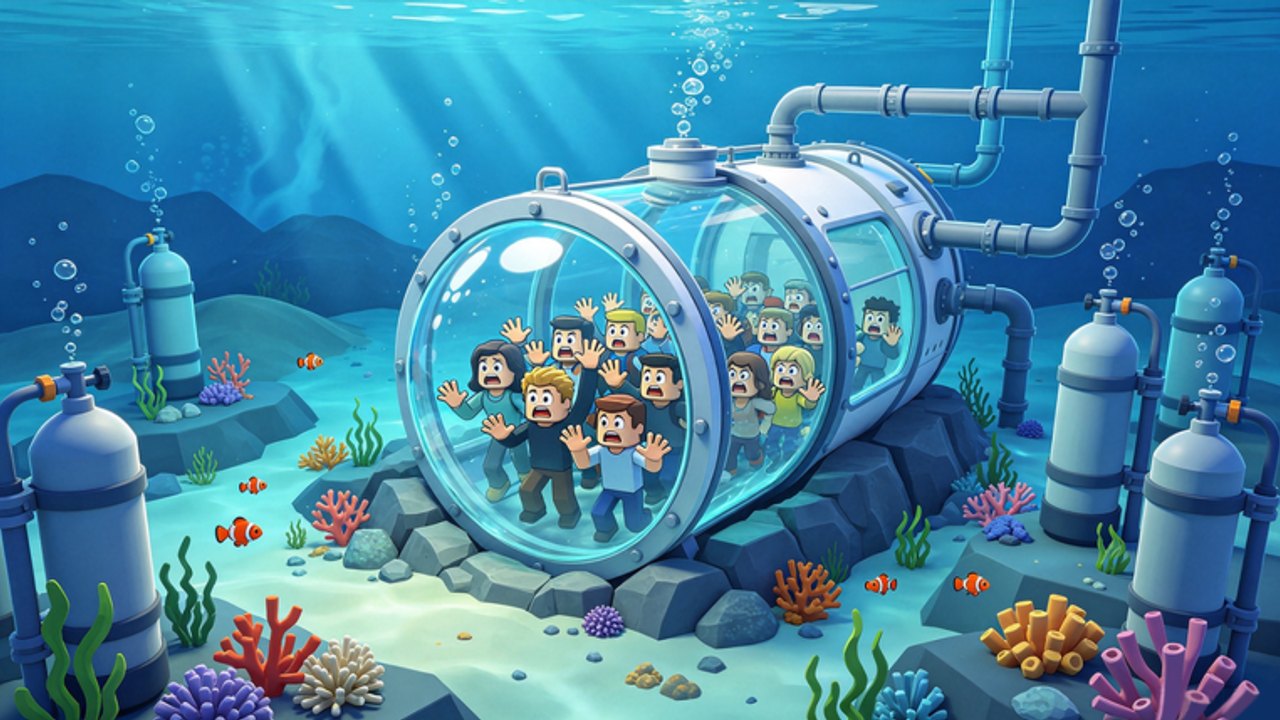
Catch a Human puts you on the wrong side of a beach vacation: you leave the water, sneak onto land, place bait to lure unsuspecting humans, catch them with your net, watch out for lifeguards, police, and other guards, then get your catch back to the water before they catch you. This day-one guide turns that official description into a practical first session for Roblox players joining Lost Universe Studio’s experience (max 6 players per server).
By the end you should complete at least one full successful return without panic-sprinting into a lifeguard. Device buttons are summarized on Controls; deeper technique lives in How to Catch Humans.
Step 0 — Join the right game
Open the official Roblox page for Catch a Human and confirm the creator context matches Lost Universe Studio. Use the public play flow rather than random private links from strangers. After loading, wait for the HUD and character to settle — some interact prompts only appear once the session fully replicates.
Optional but useful: glance at the Links Hub for the studio group and sister-game notes, and the Codes Hub so you know there are no verified active codes as of late November 2026 (redeem flow is ready on How to Redeem Codes when strings appear).
Step 1 — Leave the water with intent
You begin as the hunter coming out of the water. Do not charge the busiest boardwalk on your first life. Edge out along a quieter shoreline tile where you can still see human traffic. Your goals on land are short: place bait, catch, leave. Every extra second standing still is a second a guard can notice you.
Pick a visual anchor — a rock, umbrella cluster, or wall segment — that marks both your bait tile and your retreat line to water. Beginners who skip this step get turned around while carrying a catch.
Step 2 — Place your first bait
Open the bait interaction from the HUD or proximity prompt (exact label can shift after patches). Place bait where humans naturally walk, not in empty decorative corners. You want the lure close enough to water that a successful net still leaves a short carry.
Early bait does not need to be fancy. Consistency beats rarity. When you have cash later, compare options on the Bait Tier List and the spending guide Bait and Nets. For now, one well-placed common lure is enough.
Step 3 — Net your first human
When a human approaches the bait, move into net range and trigger the catch action. Swing too early and you miss; wait too long and the NPC walks off or a guard enters the scene. Center yourself, commit, and be ready to move the instant the catch succeeds.
If the net fails, reset — do not spam in the open. Failed animations are loud invitations for lifeguards.
Step 4 — Return to water before they catch YOU
Carrying is the exam. Take the short pre-planned path to water. Avoid open plazas if a police NPC is rotating through. If a guard locks onto you and the distance looks wrong, abort the greed — dying or being caught with the human wastes the whole loop. Abort logic is expanded in Stealth and Guards.
Touch water with the catch to bank progress. That single clean return teaches more than ten chaotic highlight-reel attempts.
Step 5 — Bank, breathe, repeat
After a success:
- Note which bait tile worked.
- Note where guards appeared.
- Spend early cash on reliability, not cosmetics.
- Repeat the same short loop until it feels boring — boring means mastered.
Target common beachgoers first; see Human Rarity before rare hunts.
Common day-one mistakes
- Inland tourism. Exploring the whole map while holding bait tools teaches patrols your face.
- Camping the lure. Place bait, create space, approach for the net — do not AFK on the pile.
- No abort plan. If a lifeguard turns in, leave empty. Empty is progress; a wipe is not.
- Upgrade confusion. Buying a flashy lure before you can net and return cleanly lowers cash/hour.
- Ignoring patches. Late November 2026 updates moved CCU hard; UI and paths can shift — skim November 2026 after big changes.
- Chasing scripts instead of practice. Read the Scripts Hub warning; muscle memory is safer.
First-session checklist
- Joined official Catch a Human server
- Chose a shoreline anchor near water
- Placed bait on a walked path
- Landed one successful net
- Returned to water without a guard catch
- Repeated the loop two more times
- Skimmed stealth basics before rarer targets
What to read next
- How to Catch Humans — angles, timing, carry routes
- Stealth and Guards — detection and escapes
- Bait and Nets — upgrade order
- Guides Hub — full tutorial map
Play the fantasy on purpose: you are the fish that steals a beach day. Keep loops short, keep exits obvious, and let clean returns compound into better gear.
Frequently Asked Questions
Quick answers for Catch a Human players.
What is the core loop on day one?
Leave the water, place bait, net a human, avoid guards, and return the catch to water.
Should beginners hunt rare humans immediately?
No. Master short common-beach loops first, then read the Human Rarity tier list.
Are codes required to start?
No. There were no verified active codes as of late November 2026. Practice the catch loop for progress.
Where can I watch gameplay?
This page embeds a real Roblox Catch a Human gameplay video mid-article for visual reference.
What if lifeguards keep catching me?
Shorten your route, abort earlier, and study the Stealth and Guards guide before trying longer carries.
PC or mobile — does it matter on day one?
Both work. Learn your interact/net buttons on the Controls page, then focus on short shoreline loops.